Use the form you already have
Bring one PDF and an Excel or CSV file. Free manual exports run on your device.
 FillBatch
YOUR PDF. YOUR SPREADSHEET. ONE BATCH.
AI-assisted PDF form filling from Excel and CSV. Turn each spreadsheet row into a filled copy of your PDF, with every mapping reviewed by you.
No account needed for Free. Files stay on your device.
Free: 5 rows · 2 pages · 10 fields · sample watermark
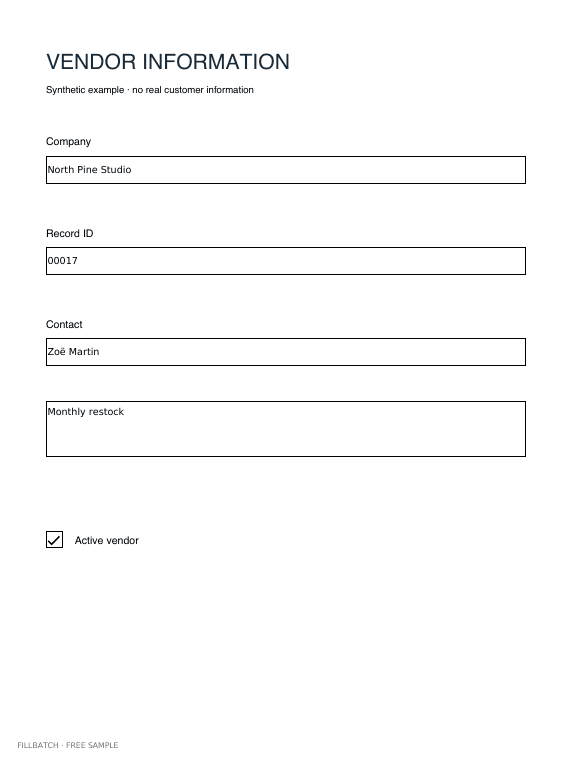
THE TOOL
FROM SPREADSHEET TO FINISHED FORMS
Your existing form, your original values, a separate PDF for every included row.
Bring one PDF and an Excel or CSV file. Free manual exports run on your device.
Check each mapping, resolve exceptions and approve the actual rendered preview. AI never approves a suggestion for you.
Reuse a mapping backup locally. Pro adds private saved templates, cloud batches and reviewed native-form AI.
A browser-local watermarked ZIP with up to 5 records, 2 pages per form and 10 fields. No account or cloud inference required. CSV strings preserve leading zeros. XLSX accepts plain values; convert formulas and date cells to explicit strings first.
For native fillable forms, OpenRouter and Azure propose labels, source mappings and explanations of existing exceptions. Native PDF field coordinates stay unchanged. Every suggestion requires review; original spreadsheet values remain unchanged. Flat/scanned AI is unavailable.
Initial local implementation targets AcroForm text and checkbox widgets and reviewed flat text overlays. Encrypted, signed, XFA, active-action and attached-file PDFs are rejected. Scans remain experimental and unadvertised as compatible. No e-signature, compliance or any-PDF guarantee.
Export a mapping backup and reuse it with the same source checksum and headers. Pro saves private templates and runs reviewed PDF batches for $29/month. Refill a saved template without another AI request.